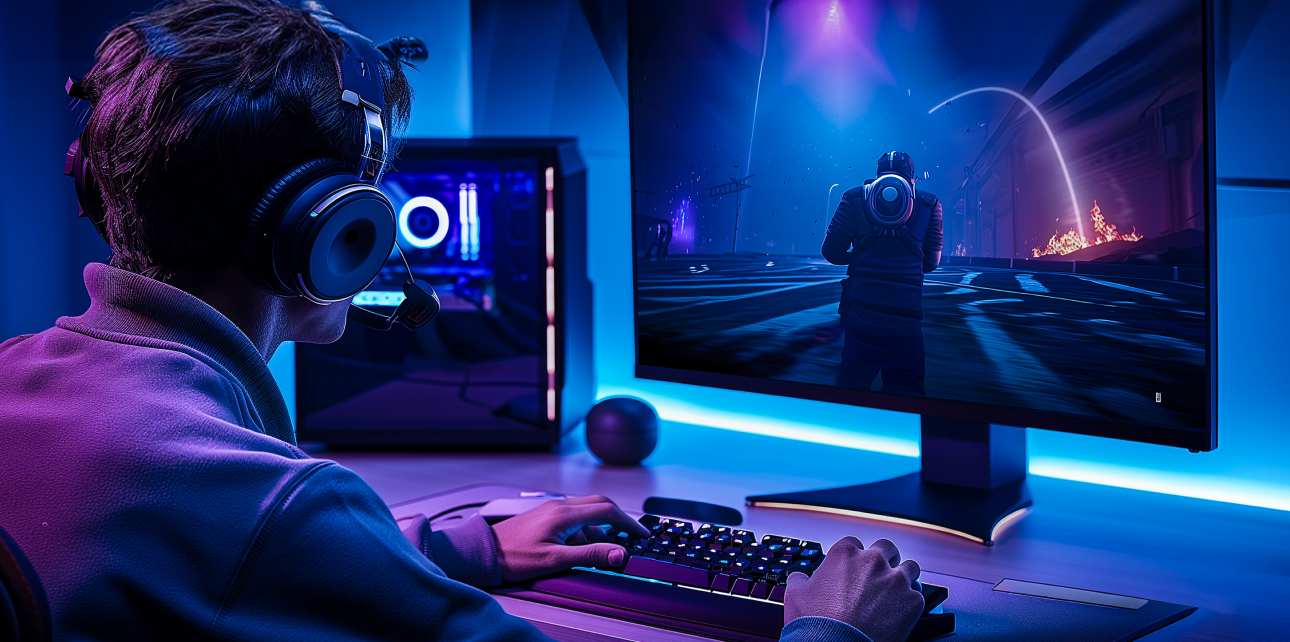
If you know what to look for before you buy, a great gaming PC will let you play games without any lag.
Gaming has never been more demanding. Your system is what makes the difference between playing fast-paced shooters and exploring huge open-world games. It can be hard to choose the right gaming PC. You have to sort through a lot of different specs, names, and price ranges. It doesn’t have to be hard, though. This guide breaks it all down for you, so you can play with confidence.
Why Your Gaming PC Choice Impacts Everything
A gamer focuses only on price. That’s a costly mistake. A budget build might be able to run games, but they will run slowly and stutter all the time. If you choose the right gaming PC, you’ll get high FPS, clear graphics, and zero lag. That is what makes the difference between winning and losing. It’s also the difference between enjoying your setup and feeling bad about it after a few months.
Brands like Veno-Scorp know this very well. They make PCs for performance-focused gamers all over the UK, from Manchester to London. These systems combine raw power with stunning aesthetics.
The Core Components That Drive High FPS
The GPU: Your Frame Rate Engine
When it comes to gaming PCs, the graphics card is the most important part. It renders every frame you see on the screen. Choosing the wrong one means poor performance regardless of everything else.
- For 1440p and 4K games, NVIDIA RTX 4070 or higher is the best choice.
- The AMD RX 7800 XT is a great deal for high frame rates at 1440p.
- For new AAA games, you should aim for at least 8GB VRAM.
- Future-proof your build by going one tier higher than you think you need
The GPU by itself can make or break your whole gaming experience.
The CPU: The Brain Behind Every Game
Bottlenecks can be avoided with a fast engine. It quickly and efficiently sends data to your GPU via USB. Even the best graphics card won’t work well if the CPU isn’t up to the task.
- AMD Ryzen 7 or 9 (7000 Series), which has great multithreaded performance for streaming and gaming.
- Intel Core i7 or i9 (13th or 14th Gen), which has great single-core performance for games.
- Always match your CPU tier to your GPU tier; if you don’t, you’ll waste a lot of money.
- Games depend a lot on single-core performance, so look for CPUs with fast base clock speeds.
RAM: More Than Just a Number
RAM is often overlooked. But stuttering happens even on high-end builds when memory is slow or not enough.
- Right now, 16GB DDR5 is the best for most players.
- If you stream, multitask, or play memory-heavy open-world games, 32GB is the best size for you.
- For better bandwidth and faster performance, you should always use a dual-channel setup.
- Check RAM speed compatibility with your chosen motherboard before purchasing
Storage: Load Faster, Play More
It’s annoying when storage is slow. In competitive games, long load screens break the flow of the game and waste time.
- An NVMe M.2 SSD is much faster than a regular SSD, so use it as your main drive.
- When you connect a second hard drive, you can easily and cheaply store huge game files.
- Aim for at least 1TB NVMe to make sure you don’t run out of room quickly.
- For consumer builds, PCIe Gen 4 drives offer the fastest speeds possible right now.
Understanding FPS Targets: What Should You Aim For?
| Resolution | Recommended FPS | GPU Tier Needed |
| 1080p | 144–240 FPS | Mid-range (RTX 4060) |
| 1440p | 100–165 FPS | High-end (RTX 4070) |
| 4K | 60–120 FPS | Flagship (RTX 4080/4090) |
When FPS goes up, motion is smoother and faster. This is very important in professional games like Call of Duty, Valorant, and CS2. When paired with a powerful gaming PC, a high-refresh-rate monitor completely changes the game.
If you buy a 144Hz monitor, don’t connect it to a PC that can only handle 60 FPS. Make sure your gear works with your screen.
Why a White Gaming PC Is Winning Over UK Gamers
Here is why gamers from Bristol to Edinburgh are choosing White Gaming PCs:
- Striking visual appeal: white cases look great with RGB lights for a high-end battlestation look.
- Simple and clean style: It works well in both private game rooms and shared living rooms.
- Wide compatibility: Full ATX and micro-ATX systems can be used with most white cases without any problems.
- Tempered glass panels: Style up your way to show off your parts and RGB lights
- Strong resale value: Builds that stand out visually tend to hold their value better over time.
A white gaming PC is more than just a matter of taste. A lot of builds with a white theme have better airflow designs, more precise cable management space, and better building. This one looks good and works well at the same time.
Cooling: The Silent Performance Killer Most Gamers Ignore
Heat makes it hard to do well. Most gamers don’t even know that their FPS is dropping because of thermal slowdown when parts get too hot.
Your essential cooling checklist:
- Air coolers, like the Noctua NH-D15, are stable, affordable, and great for mid-range builds.
- AIO liquid coolers are much quieter and much better at cooling high-end CPUs when they’re under a lot of stress.
- Make sure that your case has strong airflow, with at least front intake fans and back exhaust fans.
- Apply high-quality thermal paste between your CPU and cooler to help heat move around better.
- Free tools like HWMonitor or MSI Afterburner can help you keep an eye on your temperatures on a daily basis.
Pre-Built vs Custom Build: Which Is Right for You?
| Pre-Built | Custom Build | |
| Ease of Setup | Ready out of the box | Requires full assembly |
| Cost Efficiency | Slightly higher upfront | Greater budget control |
| Warranty Coverage | Full system warranty | Component-level only |
| Upgradability | Sometimes limited | Fully flexible |
| Technical Knowledge Needed | None required | Moderate to high |
A good pre-built gaming PC is the best way for most UK gamers to get the best performance, after-sales support, and ease of use. This is especially true for gamers in busy cities like Birmingham or Leeds who want a plug-and-play option. Custom builds are good for people who like the process and want to be in charge of every part.
Neither option is wrong. The best choice depends on your time, skill level, and priorities.
Connectivity, Monitors, and Peripherals: Complete the Picture
Your gaming PC is only as good as the setup around it. Don’t overlook these essentials:
- Match the refresh rate of your monitor to the output of your GPU (at least 144Hz for competitive games).
- Make sure your PC has USB-C, USB 3.0, HDMI 2.1, and DisplayPort 1.4 for connections.
- Accessories like a mechanical keyboard and a high-DPI mouse make reaction times much faster.
- When it comes to stability for online games, wired Ethernet is always better than Wi-Fi.
Small upgrades in your peripherals can have a noticeable impact on your overall gaming experience.
Build the Setup You Actually Deserve!
Stop settling for lag, frame drops, and bad behavior any longer. As hard as you play, your computer should work just as hard for you. It should look great and never let you down during a game.
At Veno-Scorp, they make high-performance gaming PCs for demanding gamers in the UK. They have stunning White Gaming PC choices that are both powerful and stunning. There’s a great build for everyone, whether you play competitive esports or just play games for fun. Explore the full range today, find your ideal setup, and start gaming the way it was always meant to feel.

