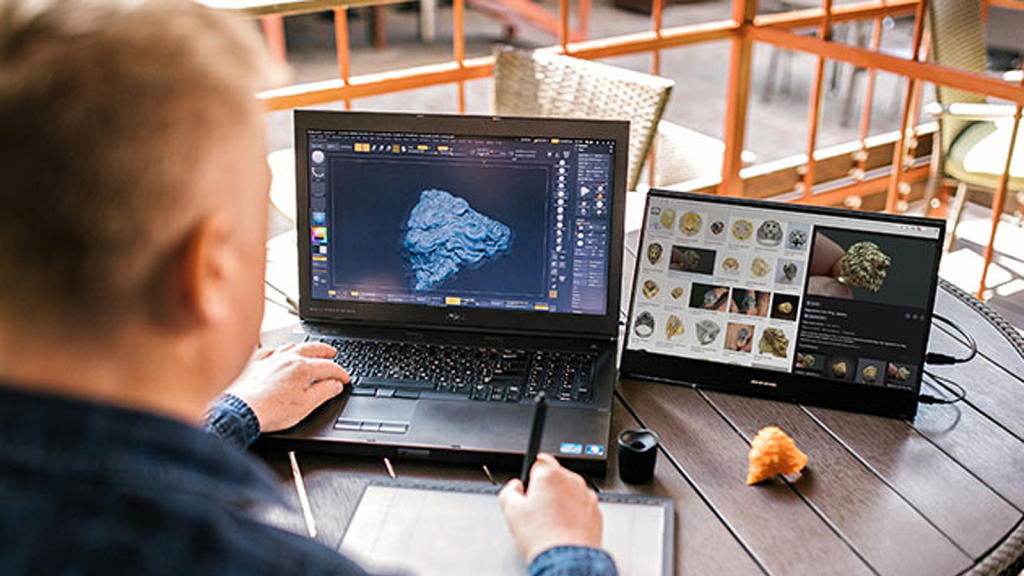
Office layouts are rapidly evolving with the hybrid and flexible working models. To create optimal, space-efficient office layout, it is important to reduce the footprint by using smaller devices. Portable screens have become a popular tool among modern companies to save space.
We will focus on some popular choices from the portable screens category: UPERFECT portable monitor, portable 4K monitors, and dual stacked monitors.
30% Space Saving with Portable Screens Case Study
We will review one particular real-life case study of an organization that was able to save 30% of the space in their office layout by switching from traditional desk monitors to portable screens.
The case study results revealed major positive outcomes. Along with 30% space savings, there were benefits such as higher mobility, productivity, and even lower costs.
Background: What Led to the Introduction of Portable Screens?
The organization in this case study was a mid-sized software development company that was dealing with a common problem.
Employee working styles were changing:
- Employees were working on more flexible working schedules.
- Hot-desking was becoming a common practice.
- Big screen monitors were eating up too much of space.
- The conference room was used more frequently, which required a portable screen.
- There were a lot of cable and power access issues.
After trialing several options, the company came up with a combination of:
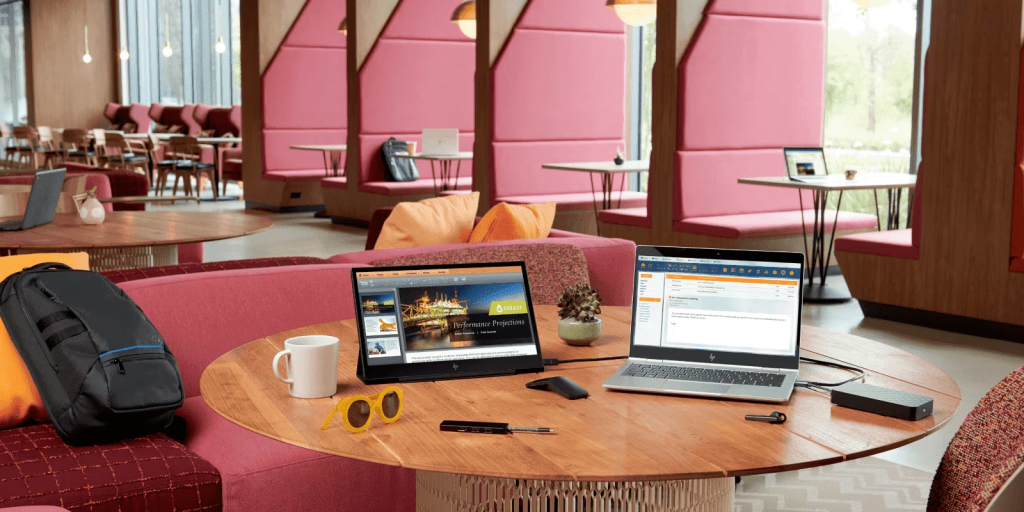
- UPERFECT portable monitor for mobile workforce and hot-desking
- Portable 4K monitor for creative teams
- Dual stacked monitor for developers
The results were visible within 3 months of changing to a new office layout — which resulted in almost 1/3 of extra space.
Here’s a recap of the above case study. Portable screens enabled 30% space savings in the following ways:
1. Smaller Footprint and Zero Permanent Fixtures
In conventional offices, each employee has a 24–27 inch screen on a traditional monitor arm attached to their desk. These monitors naturally take up a lot of space on a desk, eating up more room and space, and reducing the layout flexibility.
Portable Screens are thin and foldable. In the new layout, employees at this company were able to:
- Set up their screens only when needed
- Fold their screens or store vertically after use
- Use shared desks without screens taking up space
- Plug in only a single USB-C cable
It alone shrank the footprint on common workstations by nearly 18%.
2. Portability Makes Possible Multi-Purpose Rooms
Conference rooms, meeting areas, and collaboration zones often required wall-mounted or fixed large monitors that took up floor or wall space. This limited how these rooms could be used and rearranged.
With a transition to the portable screen technology:
- Conference rooms could be easily re-arranged
- Screens could be shared among teams
- Flex rooms could host trainings, workshops, and client demos
With no permanent screens on the floor or wall, the company was able to gain an additional 8% capacity across multiple meeting rooms.
3. Dual Stacked Monitors Shrank Desk Width
Dual monitors are great for productivity, but they traditionally require wide desks. By introducing dual stacked monitor that placed two screens vertically (one above the other) rather than horizontally (side-by-side), the organization was able to free up 30–40 cm (1–1.3 feet) of desk width per workstation, which collectively translated to several square feet of walking space between desks.
Software engineers, who use multiple applications side by side, reported a higher efficiency level while the overall office layout could accommodate more compact desk arrangement.
4. No Cables and Easier Mobility for Cleaner Layouts
Cables are another culprit for cluttering traditional office space. Portable monitors are designed to use:
- Single USB-C cable for both power and display
- No external power brick
- No bulky HDMI cable
Reducing the cable bulk made it easier to tidy up and helped arrange desks closer to each other since there were no more cable trays needed.
The before vs after comparison for switching to portable screens:
| Category | Before (Traditional Monitors) | After (Portable Screens) | Improvement |
| Desk Space Used per Employee | 6.5 sq ft | 4.2 sq ft | 35% less desk space |
| Cable Count per Workstation | 3–5 cables | 1 cable | 70% less clutter |
| Weight per Display Setup | 4–6 kg | 1–1.3 kg | Up to 75% lighter |
| Flexibility / Mobility | Low (fixed stands) | High (foldable, portable) | Full flexibility |
| Meeting Room Setup Time | 10–12 minutes | 1–2 minutes | 80% faster |
| Total Office Space Saved | — | — | 30% overall space saved |
User Experiences: Employee Feedback After Switching to Portable Screens
Developers (Dual Stacked Monitors)
Developers using dual stacked monitors reported:
- Having better vertical view of code
- No neck strain caused by turning left/right
- Having more desk space for keyboard, documents, etc.
Developers reported better focus during multi-window operations.
Creative and Media Teams (Portable 4K Monitor)
Creative teams who needed high-resolution portable displays for designing, editing, etc., were able to carry on with their design workflows in shared desks as well as remote working environments.
Team members noted:
- Accurate color representation
- Easy to connect via USB-C
- Easy to carry for meetings or client presentations
Hybrid Working Employees (Portable Monitor)
For hybrid working employees, the lightweight portable screens were a great advantage as there was no need to reserve any specific desk or location in the office. Also, it had become much easier to set up for shorter duration use and was more comfortable to carry during travel.
Cost Reduction and ROI (Return on Investment)
Portable monitors do have slightly higher upfront cost than traditional desk monitors, but that’s offset by long term cost reductions in following ways:
- No need to buy monitor arms
- Lower power consumption
- Need for smaller desks
- Fewer meeting room displays
- Less wear and tear due to less stationary setups
All these led to an overall 22% reduction in annual cost for workspace equipment and maintenance.
Frequently Asked Questions (FAQs)
1. Are portable screens durable to be used on daily basis in the office?
Yes. Portable displays today come with rugged designs with aluminum bodies, shock-resistant frames, and scratch-protected panels. Also, these portable screens are travel-ready and tested for frequent moves, so using them in the office is well within their durability.
2. Can portable monitors be used as replacements for full-size monitors for all types of job roles?
Portable screens are a perfect fit for most of the office work including programming, writing, spreadsheets, design, etc. And with the higher resolutions and dual stacked options available today, there are no issues with both productivity and comfort of use. So, for most job roles, portable screens are great. However, there are few highly specialized job roles, such as 3D modeling, which may require specialized, large color-accurate screens.
3. Do portable screens help reduce cable clutter?
Yes. Portable screens use only a single USB-C cable that works as both power source and data connection for the display. So you can easily get rid of HDMI cable, power adapter, and docking station cables, as one single cable is enough.
4. Are portable 4K monitor good for creative professionals?
Yes. Portable 4K monitor is high-resolution, high-density displays which make them suitable for all design, photography, and video editing tasks.
5. What makes dual stacked monitors space-saving?
In a dual stacked configuration, two monitors are used vertically, one above the other rather than side by side. So you free up a lot of desk width and create more elbow room and walking space around the desk.
Conclusion
In this office layout case study, we looked at how organizations can benefit from portable screens. Portable screens including UPERFECT portable monitor, portable 4K displays, and dual stacked monitors, are able to help achieve an effective, space efficient, and modern workspace setup.
You can see how this particular organization was able to achieve a 30% space savings in their office layout with all the positive benefits that brought along, such as higher mobility, better ergonomics, and greater multi-screen productivity.
Portable screen solutions are a must-have in a hybrid world where modern offices are becoming more space-efficient and flexible by the day.

