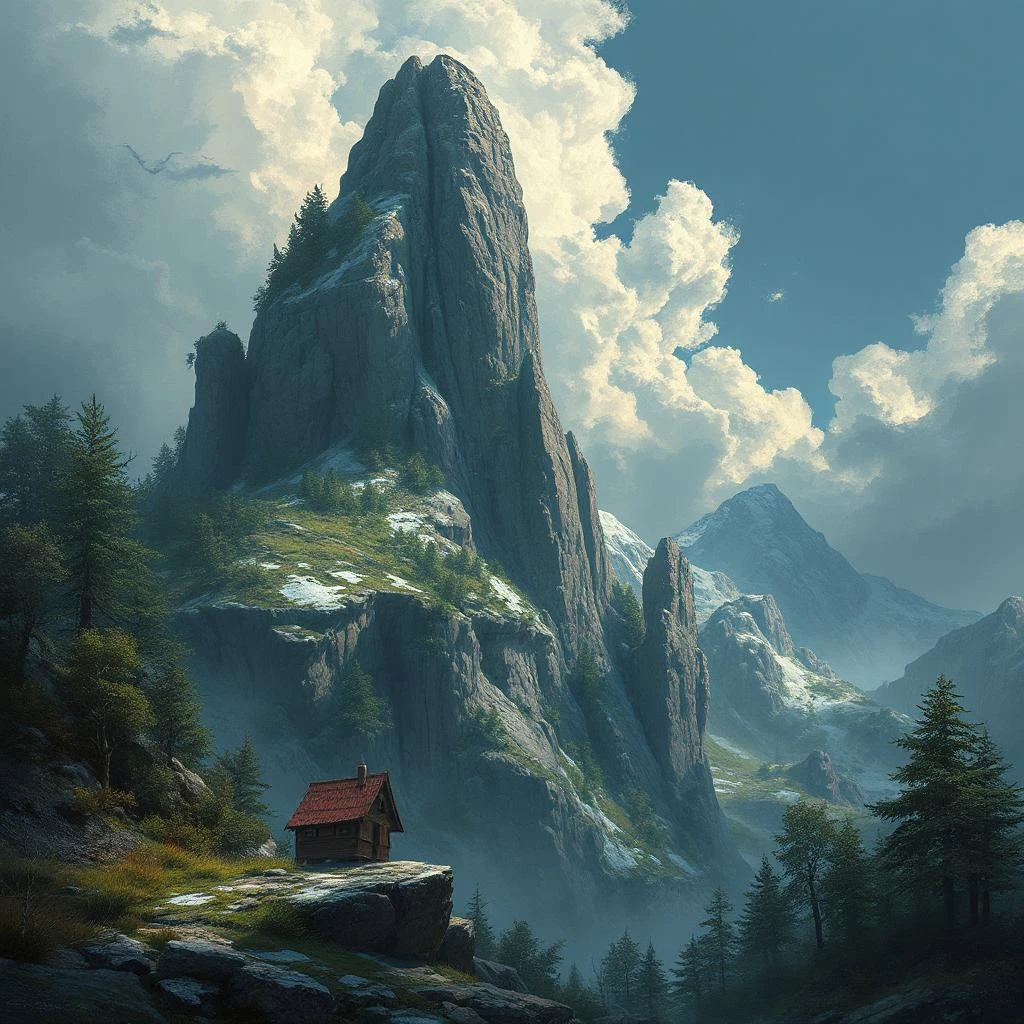
Great AI art rarely happens by accident. It comes from clear intent, a few dependable creative rules, and a prompt that tells the model exactly what to emphasize. When you control composition, light, color, and detail in language the model understands, your results jump from “nice” to “wow.” This guide keeps things practical: you’ll get three proven prompts (portrait, product, landscape), plus quick modifiers, constraints, and a pre-flight checklist you can reuse for any tool. Whether you work in Midjourney, Stable Diffusion (SDXL), DALL·E/Flux-style generators, or the Jadve AI tool, the patterns below will help you create consistent, intentional images that fit your brand and platform.
What Makes an Image “Beautiful”: The 5 Pillars
Beautiful images aren’t just lucky generations; they’re the result of a few reliable principles.
- Composition: Use the rule of thirds, leading lines, and generous negative space to guide the eye toward your subject.
- Light: Favor soft diffused light for flattering detail, add rim/back light for separation, and use golden-hour warmth when you want emotion.
- Color: Pick a limited palette. Complementary or analogous schemes keep harmony while allowing a single accent color to pop.
- Depth & Sharpness: Shallow depth of field creates subject separation; foreground elements add depth; a hint of haze can make distance feel real.
- Texture & Detail: Crisp micro-contrast on faces, fabrics, wood, stone, or metal makes surfaces feel tactile and premium.
If your prompt addresses all five, the model has enough guidance to produce coherent, pleasing frames without guesswork.
Tools at a Glance
The prompts below are tool-agnostic, but a few tweaks help each platform shine:
- Midjourney — Loves descriptive, filmic phrasing. Aspect ratio (–ar), stylization (–style), and reference images work well.
- Stable Diffusion / SDXL — Offers control via negative prompts, CFG (how strongly the model follows your prompt), steps, and seed for reproducibility. Excellent when you want fine-grained iteration.
- DALL·E / Flux-family — Responds best to a clear scene, distinct style cues, and precise subject focus. Great for fast concepting without much parameter tuning.
- Jadve AI tool — A clean web UI that combines multi-model chat and image generation. You can pick different models (e.g., a Flux-style model), run several variants, and iterate inside one workspace.
Anatomy of a Strong Prompt
A prompt that works across tools follows this spine:
Subject & scene → style/genre → lighting → optics/angle → color/mood → quality/detail → constraints/negatives.
Write in concrete nouns and verbs. Think like a photographer (lens, light, angle) or an art director (palette, mood, styling). Keep the subject first, then layer the look, then add constraints so the model avoids common artifacts.
Top 3 Prompts1) Cinematic Portrait
Use when: hero images, editorial/beauty, profile banners.
Why it works: It specifies light, lens, palette, composition, and focus priority—exactly what portrait models need.
Base prompt (copy/paste):
Cinematic portrait of a stylish young woman, half-length, natural pose, soft diffused window light with subtle rim light, shallow depth of field and creamy bokeh, shot on 85mm, Kodak Portra 400 color palette, warm skin tones, clean background, rule of thirds composition, editorial fashion photography, ultra-detailed textures, crisp focus on eyes, high resolution
Quick model tweaks:
- Midjourney: add –ar 4:5 –style raw for a magazine-friendly crop.
- SDXL (add negative prompt): blurry, low-res, extra fingers, deformed hands, watermark, text, logo, jpeg artifacts; try CFG 6–7, Steps 25–35; fix a seed for series.
- DALL·E / Flux: keep the prompt; vary the lens (“50mm intimate” or “135mm compressed”) to change perspective.
Fast variations: swap lighting to golden hour or studio softbox; change mood to pastel airy or moody high-contrast; switch pose cues (relaxed candid vs. confident editorial).
2) Product Flat-Lay / E-Commerce
Use when: catalog shots, hero tiles, Pinterest pins, landing sections.
Why it works: Top-down composition, soft shadows, negative space, and neutral palette make products look premium and easy to design around.
Base prompt:
Minimalist flat-lay of a skincare set on matte travertine, top-down overhead shot, soft studio lighting with gentle shadows, neutral beige and warm cream palette, plenty of negative space, elegant label design, premium lifestyle aesthetic, photorealistic detail, clean commercial composition
Model tweaks:
- Midjourney: –ar 3:2 –style raw for web-first hero images.
- SDXL (negative): harsh reflections, glare, warped labels, watermark, oversharpening; CFG 5–6, Steps 22–30.
- DALL·E / Flux: swap surfaces (linen / marble / light wood), add simple props (dried flowers, paper shadows).
Fast variations: change background material, introduce a branded accent color, and leave a blank corner for overlay text. For collections, lock a seed so each variation stays consistent while products change.
3) Atmospheric Landscape / Travel Poster — with Jadve AI tool
Use when: blog headers, hero banners, travel posters.
Why it works: It defines time of day, weather, depth cues, color grade, and lens feel—everything needed for epic but believable scenery.
Base prompt:
Golden-hour alpine lake with mirror-like reflections, snow-capped peaks, low morning mist, volumetric sun rays, wildflowers in the foreground for depth, wide-angle landscape photography, ultra-detailed textures, rich yet natural colors, serene mood, dramatic clouds, cinematic grade
How to run it in the Jadve AI tool: open the image generator, select a Flux-style model, set 16:9 for banners, generate 4–6 variants, pick a favorite, then lock the seed to iterate with small mood or color changes.
Model tweaks:
- Midjourney: –ar 16:9 –style raw for widescreen hero images.
- SDXL (negative): over-saturated, cartoonish, banding, watermark, extra sun flares; CFG 6–7, Steps 26–36.
Fast variations: try blue hour for cool tones, storm clearing for drama, long exposure silky water, or a telephoto crop that compresses mountains for a poster look.
Quick Modifiers that Elevate Results
Use this “mini bank” to tune any prompt without rewriting it from scratch.
- Lighting: soft diffused, backlit rim light, god rays, studio softbox.
- Optics/angle: 35mm environmental, 85mm portrait, top-down, macro.
- Film/grade: Kodak Portra 400, Fujifilm Pro 400H, cinematic color grade.
- Composition: rule of thirds, leading lines, negative space.
- Materials/textures: velvet, linen, brushed metal, travertine.
Mix one or two at a time; stacking too many modifiers can make results noisy or contradictory.Negative Prompts & Constraints
Negative prompts remove frequent artifacts and keep images clean—especially in SDXL. Start with a compact set and expand only if a problem appears:
blurry, out of focus, low-res, overexposed, underexposed, washed-out colors, extra limbs, deformed hands, watermark, text, logo, jpeg artifacts, heavy noise, chromatic aberration
Keep negatives relevant to the subject. For portraits, include hand/limb issues; for products, include warped labels and harsh reflections; for landscapes, add cartoonish or over-saturated if needed.Aspect Ratios, Resolution & Upscaling
Aspect ratio should match the destination.
- Social/Pinterest: 2:3 or 9:16 to own the vertical feed.
- Product & landing: 1:1, 3:2, or 4:5 for balanced crops and grid layouts.
- Headers/Banners: 16:9 or 21:9 for responsive hero sections.
Work at a resolution that’s at least 1.5–2× your display target; downscaling looks cleaner than stretching. Use built-in upscalers for speed; switch to dedicated upscalers when you need extra detail or print-grade output. Lock a seed for series work so variations share composition and lighting.Pre-Generation Checklist
Run this quick list before you hit “Generate”:
- Goal & platform: What job does the image do (scroll-stop, hero banner, conversion aid), and where will it live?
- Primary subject: One clear focus; secondary elements only if they add depth or context.
- Lighting & angle: Soft natural vs. studio; 35mm environmental vs. 85mm portrait vs. top-down.
- Palette & mood: Two or three core colors; describe the emotion (serene, energetic, luxurious).
- Constraints/negatives: Common artifacts to exclude for your subject category.
- Aspect ratio: Match the destination so you don’t crop away important content later.
- Target resolution & upscaler: Decide pixel dimensions and whether to use built-in or external upscaling.
- Seed policy: Fix a seed for series consistency; randomize when exploring.
Post-Processing & Publishing
Treat the generation as a strong first draft. Add a gentle color grade, remove dust or glare, and straighten horizons. For web, export to WebP or JPEG at ~80–90 quality to balance sharpness and size; check that the file weight is friendly to your page speed goals. Don’t skip accessibility—write meaningful alt text that names the subject and context (“flat-lay skincare set on travertine with dried flowers”) instead of vague labels.Ethics & Rights
Avoid using brand logos, protected characters, or identifiable people without proper permission. If you’re referencing an artist’s style, aim for inspiration, not imitation, and respect platform policies. When in doubt, create your own style system (palette, lighting, composition rules) so your images are truly yours.Conclusion
Beautiful AI images come from planning and language, not luck. With three reliable prompts, a compact set of modifiers, and a short checklist, you’ll generate consistent, on-brand visuals across tools—including Midjourney, SDXL, DALL·E/Flux, and the Jadve AI tool. Start by picking one scenario from the Top 3, create 5–10 variations, and compare results on real metrics like CTR, engagement, or conversion. Keep what works, drop what doesn’t, and build a personal prompt bank that turns creative intent into repeatable outcomes.

