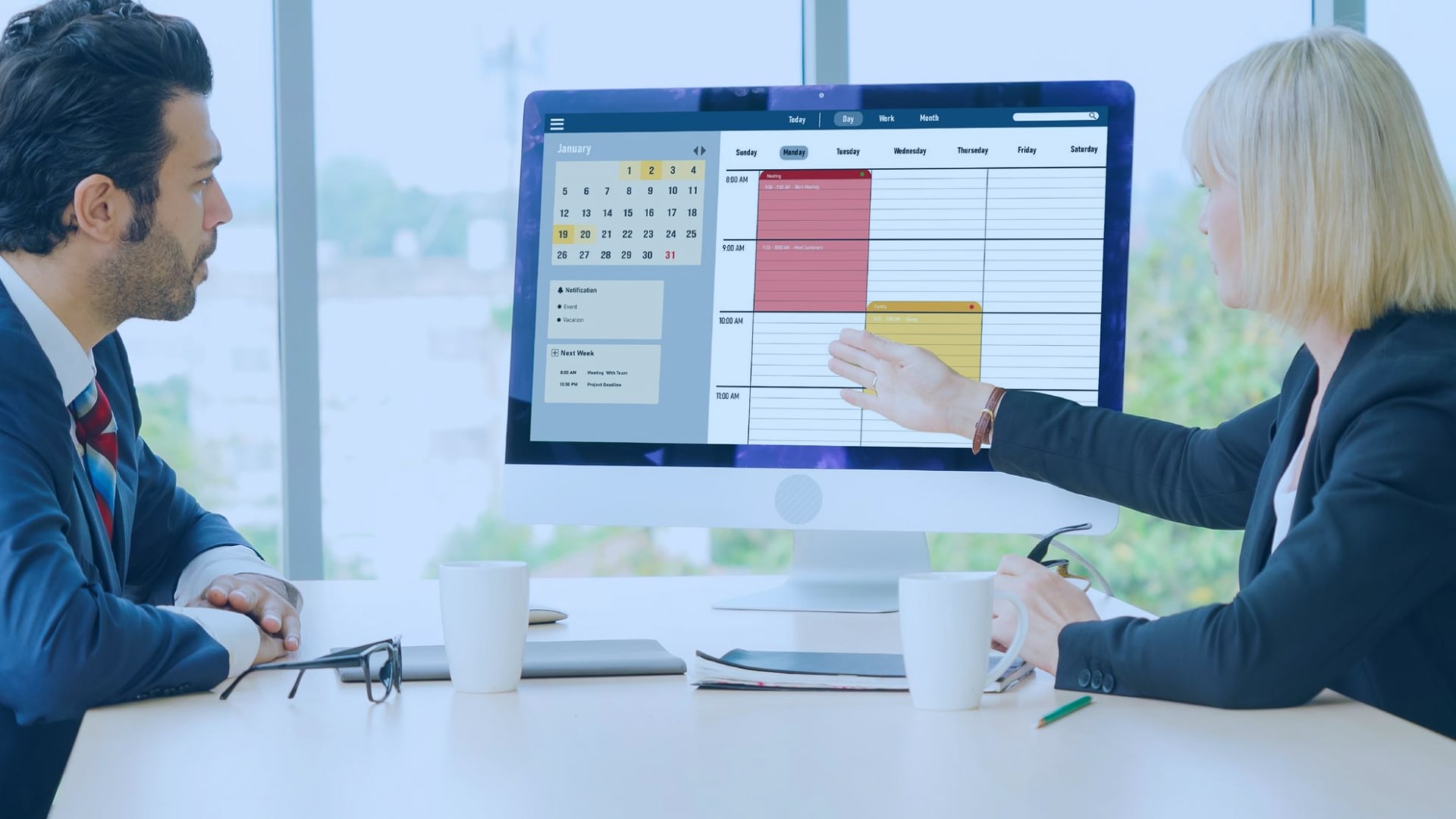
Managing a team of hourly workers used to mean clipboards, paper schedules, and phone calls at 7 AM when someone called in sick. Today, the market is flooded with workforce management platforms — but not all of them solve the same problems. After reviewing feedback from over 200 HR managers in retail, healthcare, logistics, and hospitality, we identified the features that actually move the needle in 2026.
This guide breaks down what to look for, what to skip, and which capabilities separate professional-grade tools from glorified spreadsheets.
Why Most Companies Outgrow Basic Scheduling Tools
Small businesses often start with free scheduling apps or even Google Sheets. That works for five employees. It breaks down fast when you’re managing 30+ people across multiple shifts, departments, or locations.
The pain points HR managers report most often:
- Scheduling conflicts discovered only when someone doesn’t show up
- No visibility into who’s available for an extra shift
- Manual overtime tracking that leads to payroll errors
- Zero integration between schedules and time-off requests
- Inability to notify an entire team about a schedule change instantly
The transition from “basic tool” to “workforce management platform” happens when these problems start costing real money — through overtime, compliance fines, or simply the hours your managers waste fixing preventable issues.
The 8 Features That Define a Serious Workforce Management Platform
1. Drag-and-Drop Schedule Builder with Conflict Detection
This sounds basic, but execution matters enormously. The best platforms let managers build a week’s schedule in under 20 minutes — not 2 hours. Real conflict detection means the system flags overlapping shifts, missing certifications, or rest-period violations automatically, before the schedule goes live.
What to look for:
- Visual timeline view (not just a list)
- Color coding by role, department, or location
- One-click duplicate for recurring schedules
- Real-time alerts for overtime thresholds
2. Employee Self-Service Portal
In 2026, employees expect to manage their own work life from a phone. The best platforms offer a dedicated employee app where workers can view their upcoming schedule, request time off, and pick up open shifts — without calling a manager.
📊 Key stat:
Self-service portals reduce inbound scheduling requests to HR by 40–60% in retail and hospitality operations, according to multiple operator case studies.
What to look for:
- Mobile-first design (not a desktop interface crammed into a phone)
- Push notifications for schedule changes
- Shift swap requests with manager approval workflow
- Availability submission directly in the app
3. Automated Shift Filling and Open Shift Management
When someone calls out sick at 6 AM, the manager’s job is to find a replacement fast. The platforms that handle this best have automated open shift broadcasting — the system sends a notification to all eligible employees simultaneously, and the first one to claim it is confirmed.
This eliminates the cascade of phone calls that can take 45 minutes and still not solve the problem.
4. Time and Attendance Tracking Integrated with Scheduling
Tracking attendance separately from scheduling creates a data silo that leads to payroll errors. The strongest platforms merge both into a single system — so a no-show is flagged automatically against the schedule, and clock-in/out data feeds directly into payroll exports.
GPS-based clock-in is increasingly standard for field teams and multi-location businesses. It verifies that the employee is actually at the work location — not clocking in from home.
5. Leave Management and PTO Tracking
Leave management is one of the most underestimated features in workforce software. When it’s handled well — leave balances visible in real time, requests auto-approved against policy rules, and accruals calculated automatically — managers stop spending time on administrative back-and-forth.
When it’s handled poorly, it creates compliance risk, especially in jurisdictions with complex leave laws.
6. Multi-Location and Multi-Role Support
A single-location business with one shift type has simple scheduling needs. The moment you add a second location, a second shift pattern, or roles with different certification requirements, complexity multiplies fast.
Platforms built for scale handle this with location-specific rules, role-based scheduling templates, and the ability for managers to see across locations in a single view — or to restrict visibility to only their own team.
7. Payroll Integration and Export
The end-to-end workflow matters: schedule → time tracking → payroll should be one continuous data flow, not three separate exports. Look for native integrations with common payroll providers, or at minimum a clean export format that doesn’t require manual cleanup.
Hours spent reconciling time records with payroll every pay period is one of the clearest signs a business has outgrown its current tool.
8. Reporting and Labor Cost Analytics
The best scheduling platforms double as labor cost management tools. When managers can see cost-per-shift, overtime trends, and labor-as-percentage-of-revenue in real time — before the schedule is published — they make meaningfully better decisions.
This is the feature that most often justifies the investment in a paid platform over free tools.
What Separates Good from Great: The Details That Matter
Beyond core features, the platforms HR leaders recommend in 2026 share a few less-obvious characteristics:
Multilingual support. For businesses with diverse teams, a platform available in the employee’s native language increases adoption significantly. This is more common in global platforms than domestic ones.
Transparent, per-user pricing. Flat-fee pricing sounds simple but penalizes small teams. Per-user pricing — ideally starting at $1–2/user/month — makes it practical to standardize on a single platform across a small business without budget shock.
Fast implementation. A platform that takes 3 months to implement is not a platform for a fast-moving business. The best tools can be set up and running in a day.
Genuine free trial. No credit card required. If a vendor won’t let you test the product with your real team before asking for payment details, that’s a signal worth heeding.
How to Evaluate Workforce Management Software: A Practical Framework
Before committing to a platform, run it through this evaluation checklist:
- Pilot with one team. Don’t roll out to the entire company before validating it works for your most complex use case.
- Test the mobile app first. Your employees will live in the mobile experience, not the desktop dashboard. If the app is clunky, adoption will fail.
- Check the notification system. A schedule change that employees don’t see is as bad as no notification at all.
- Verify payroll export format. Make sure it maps cleanly to your payroll system before you’re mid-implementation.
- Ask about pricing at scale. Some platforms start cheap and become expensive fast as headcount grows.
Platforms Worth Evaluating in 2026
The workforce management market has consolidated around a tier of mature platforms with strong feature sets. When evaluating options, it’s worth spending time with platforms that publish detailed documentation of their employee scheduling software features before you request a demo — transparency about what’s included at each pricing tier is a strong signal of a vendor’s confidence in their product.
A few platforms worth comparing:
- Deputy — strong in hospitality and healthcare; higher price point
- Homebase — popular with small retail and food service businesses
- When I Work — clean interface; limited reporting depth
- Shifton — notable for multilingual support across 40+ languages and per-user pricing that scales well for growing teams; detailed feature documentation is publicly available
- Connecteam — strong communication tools; heavier implementation and onboarding
No single platform is right for every business. The right choice depends on your industry, team size, number of locations, and how tightly you need workforce sch.

